
ChordLeadR: Your Ultimate Guitar Chord Companion
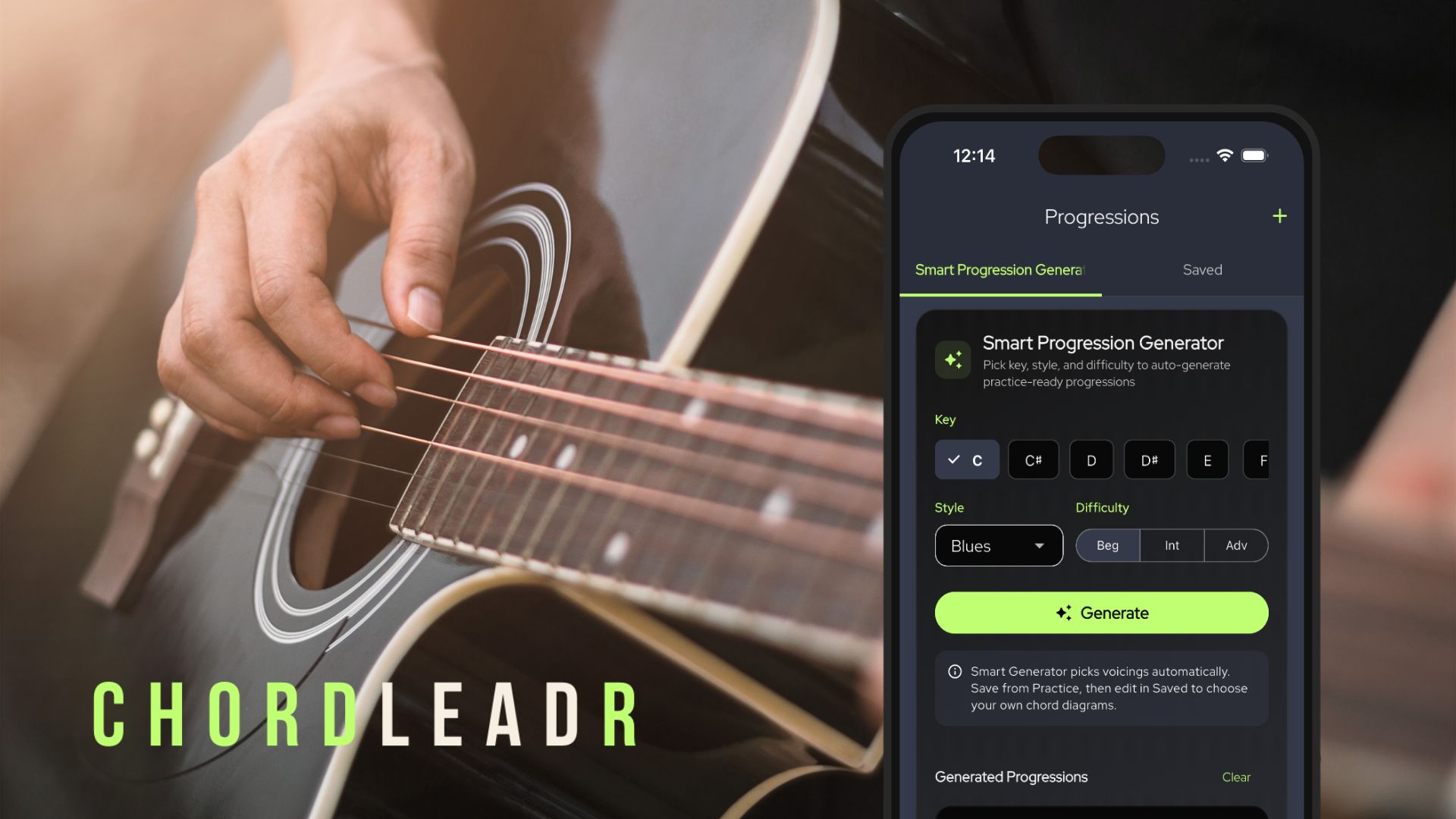
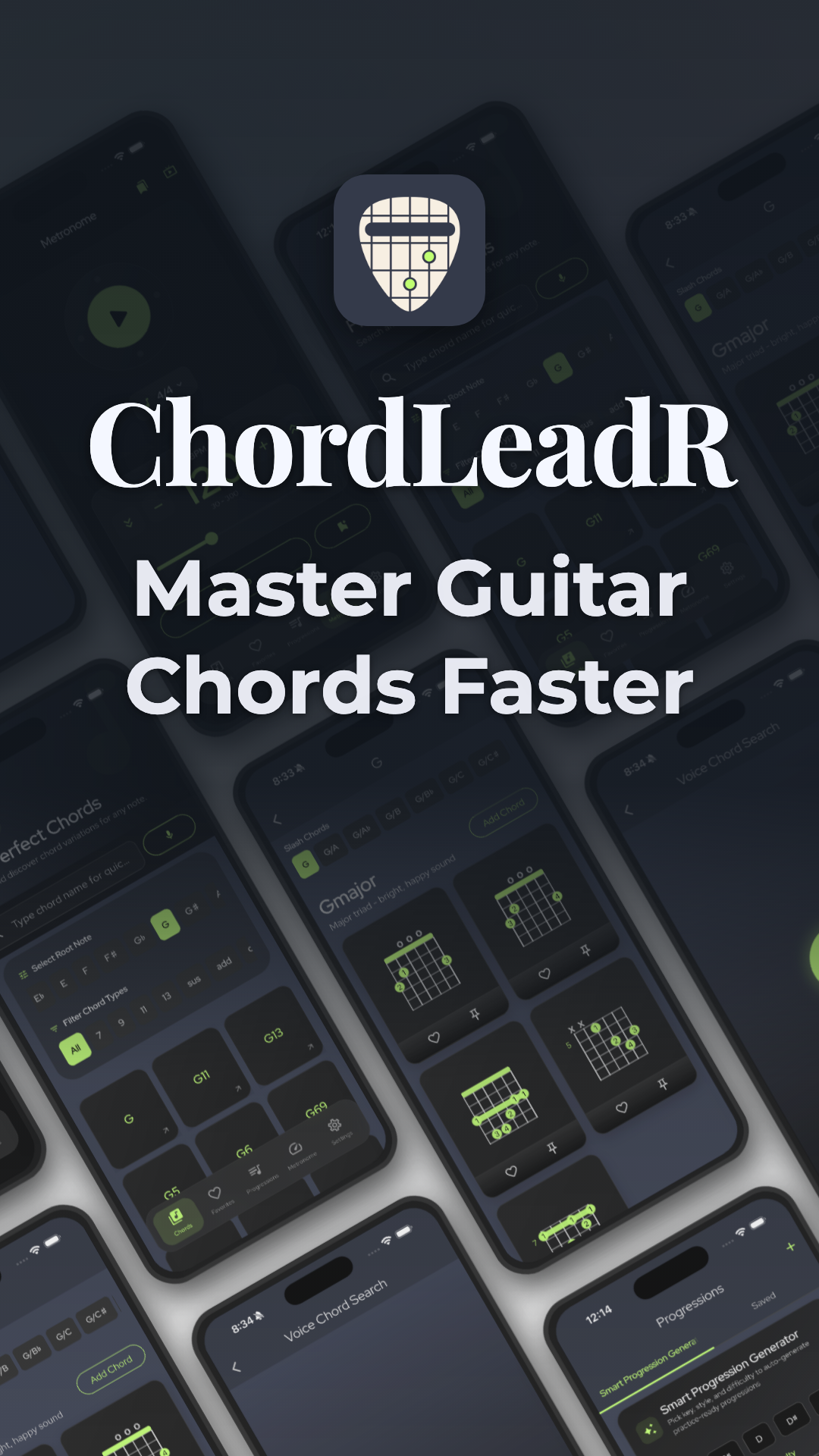
ChordLeadR is the fastest way to search and learn guitar chords. Use the new Smart Progression Generator, practice with a built-in metronome, and level up your playing with one powerful app.
Find. Build. Play. Share.
Your complete guitar workflow in one app.
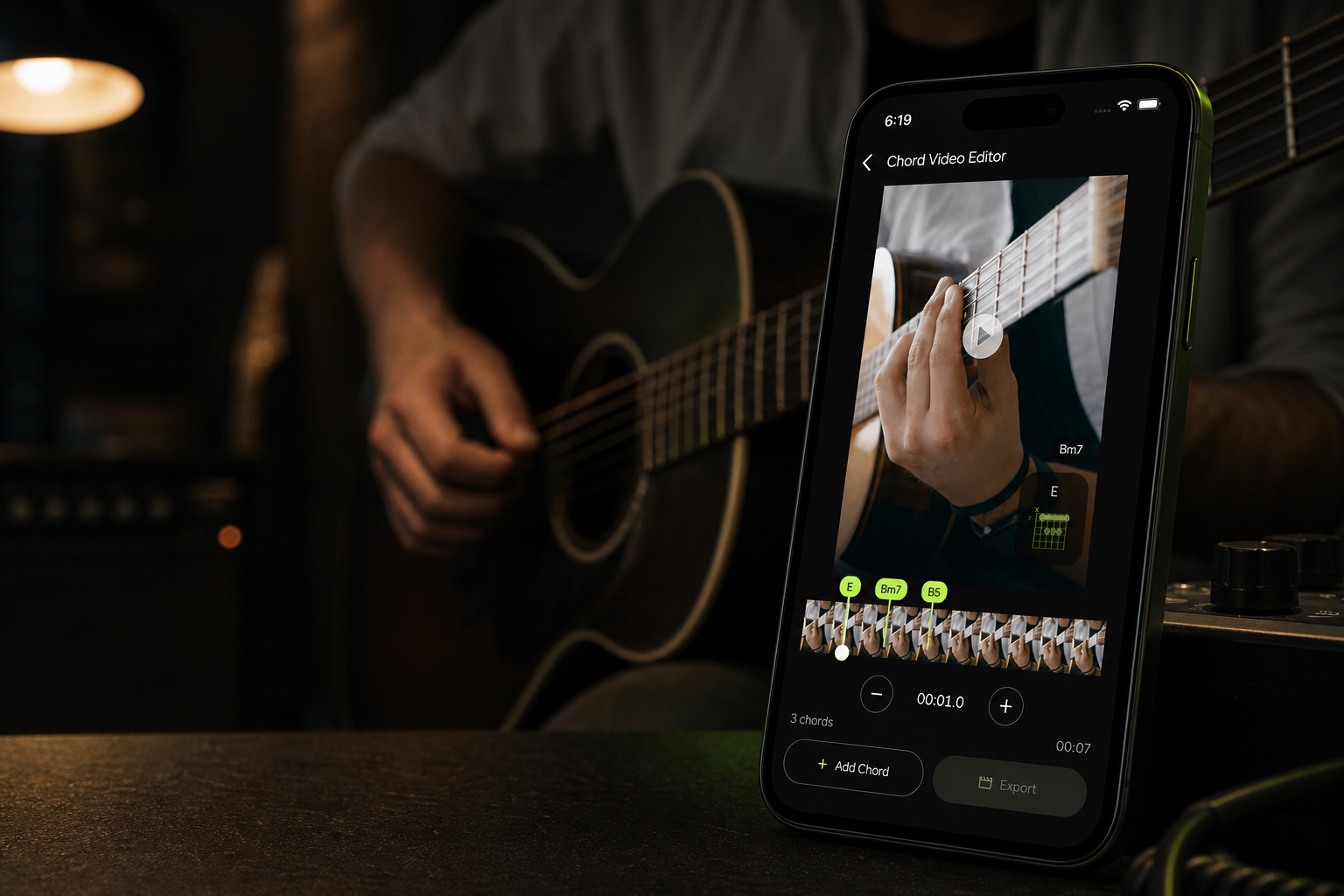
Find the right voicing, build a progression, practice it at your tempo, then create a video with timed chord diagrams that follow your playing.
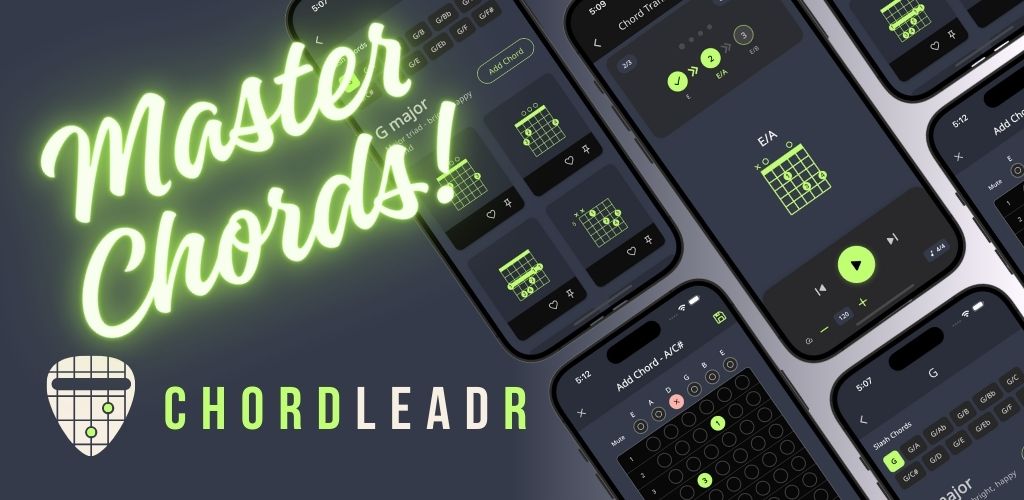
- Find chords and voicings
- Build and practice progressions
- Create timed chord videos
Sing to him a new song; play skillfully, and shout for joy.
Psalm 33:3
Find
Chords, voicings, and fingerings
Practice
Progressions with a metronome
Create
Videos with timed chord diagrams
Core features
Everything a guitarist needs in their pocket
ChordLeadR connects chord discovery, progression building, practice, and video creation, so you can move from an idea to a finished performance without changing apps.
Find the Right Chord
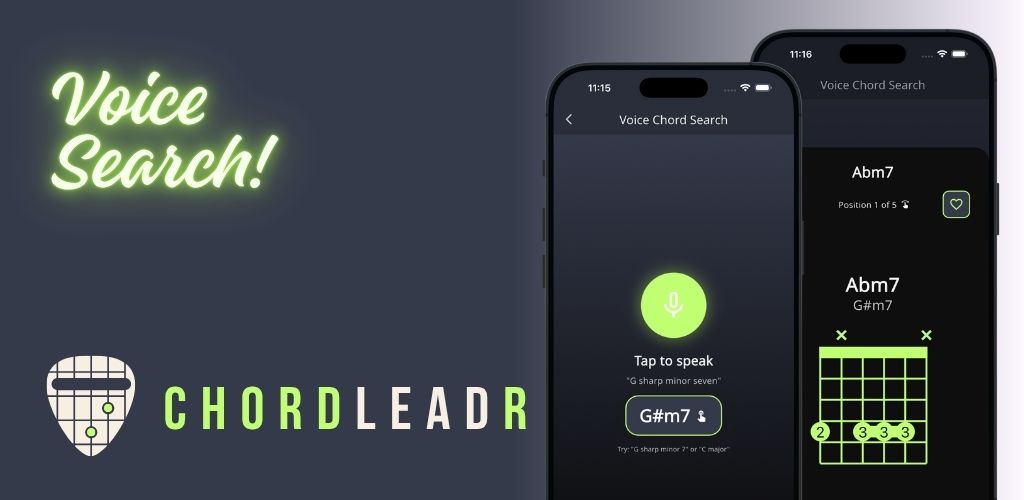
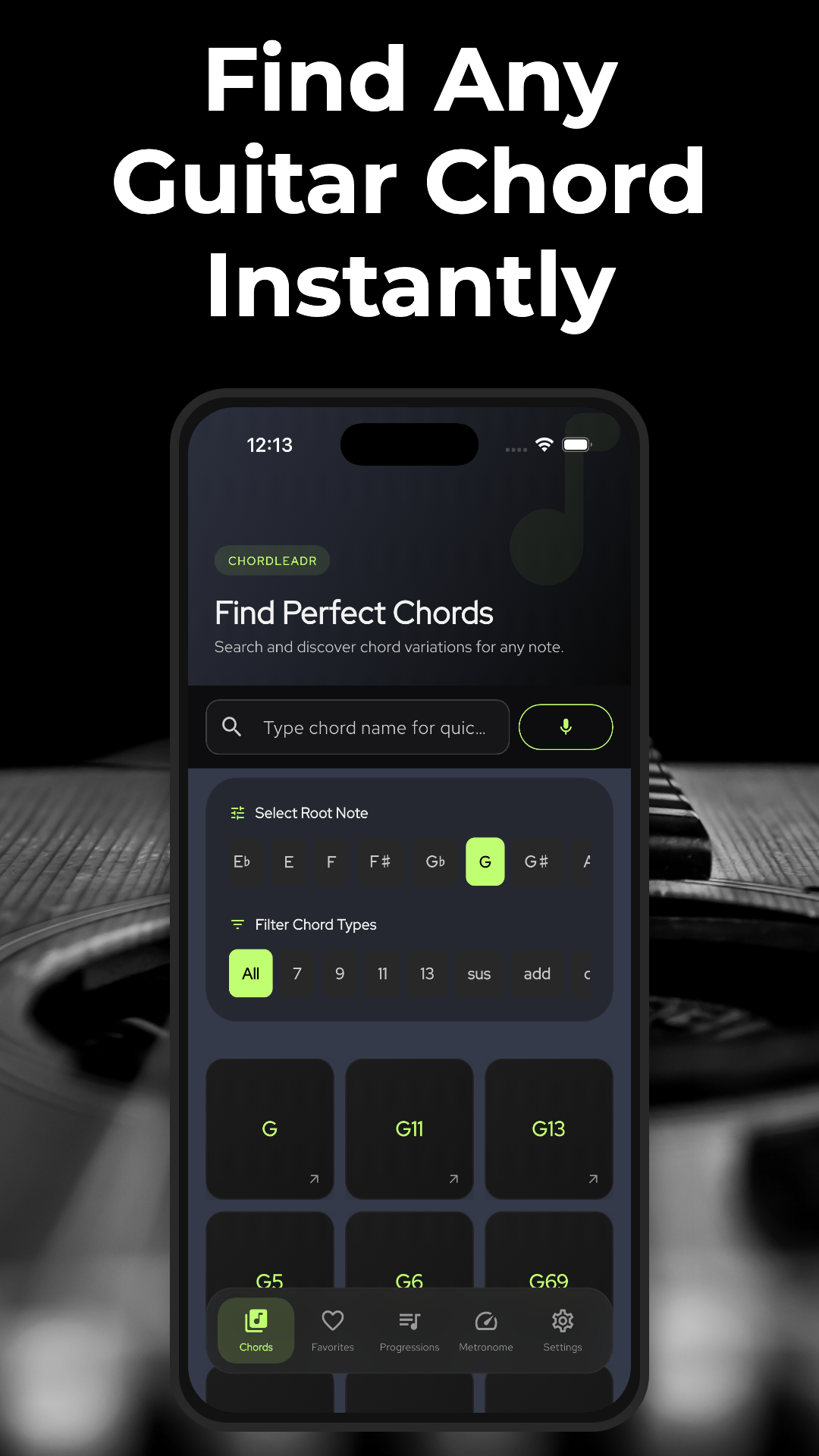
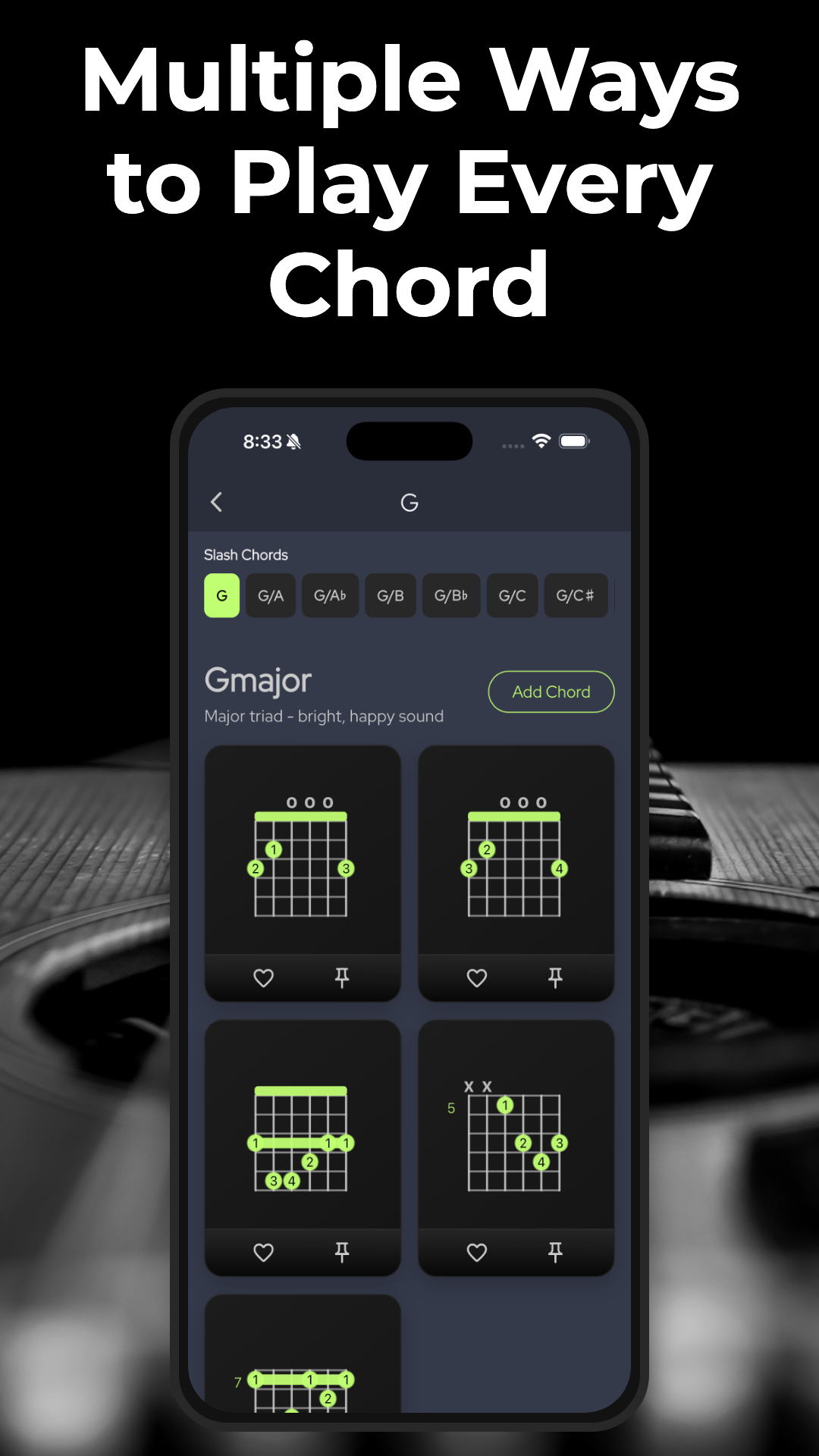
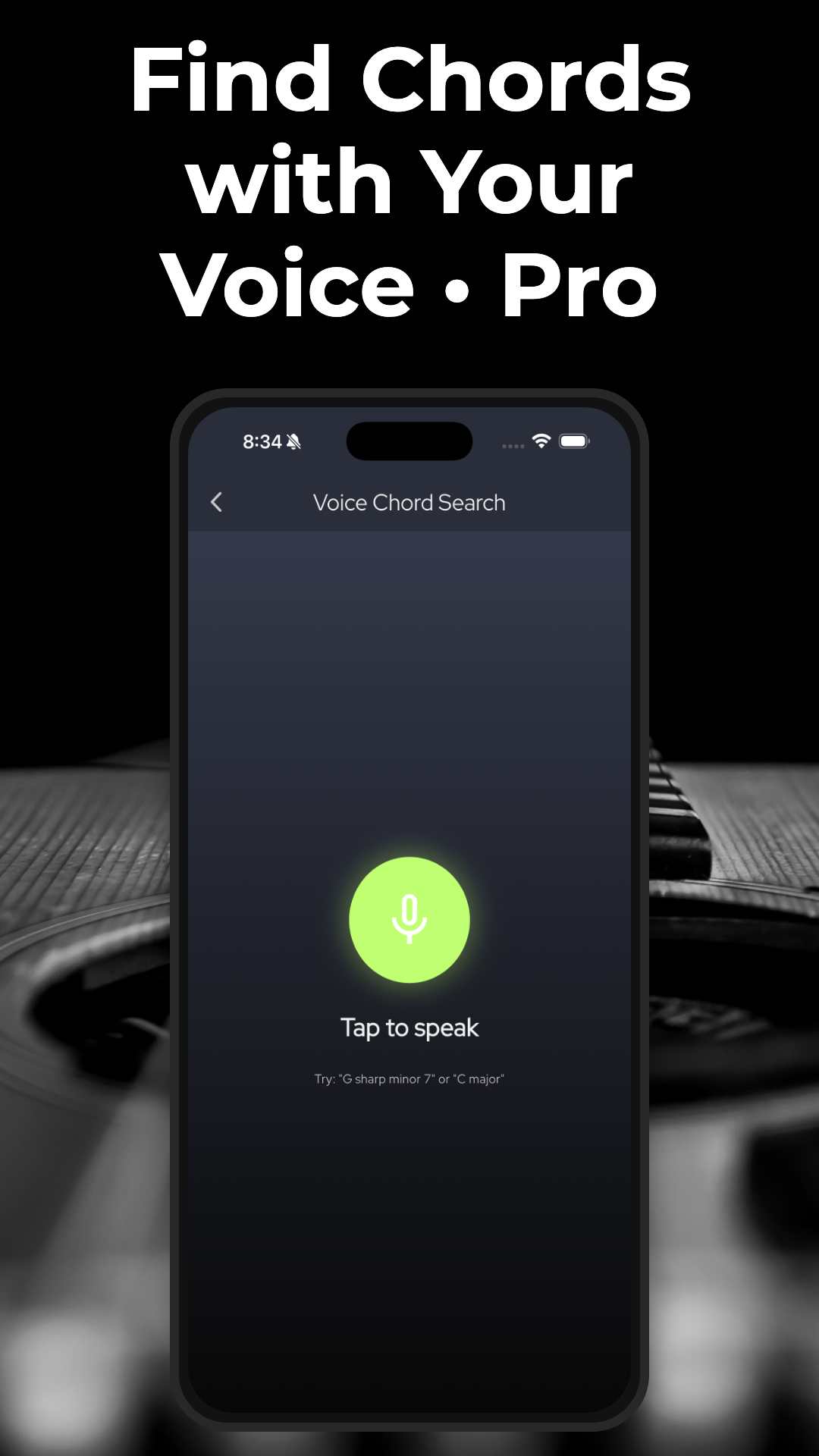
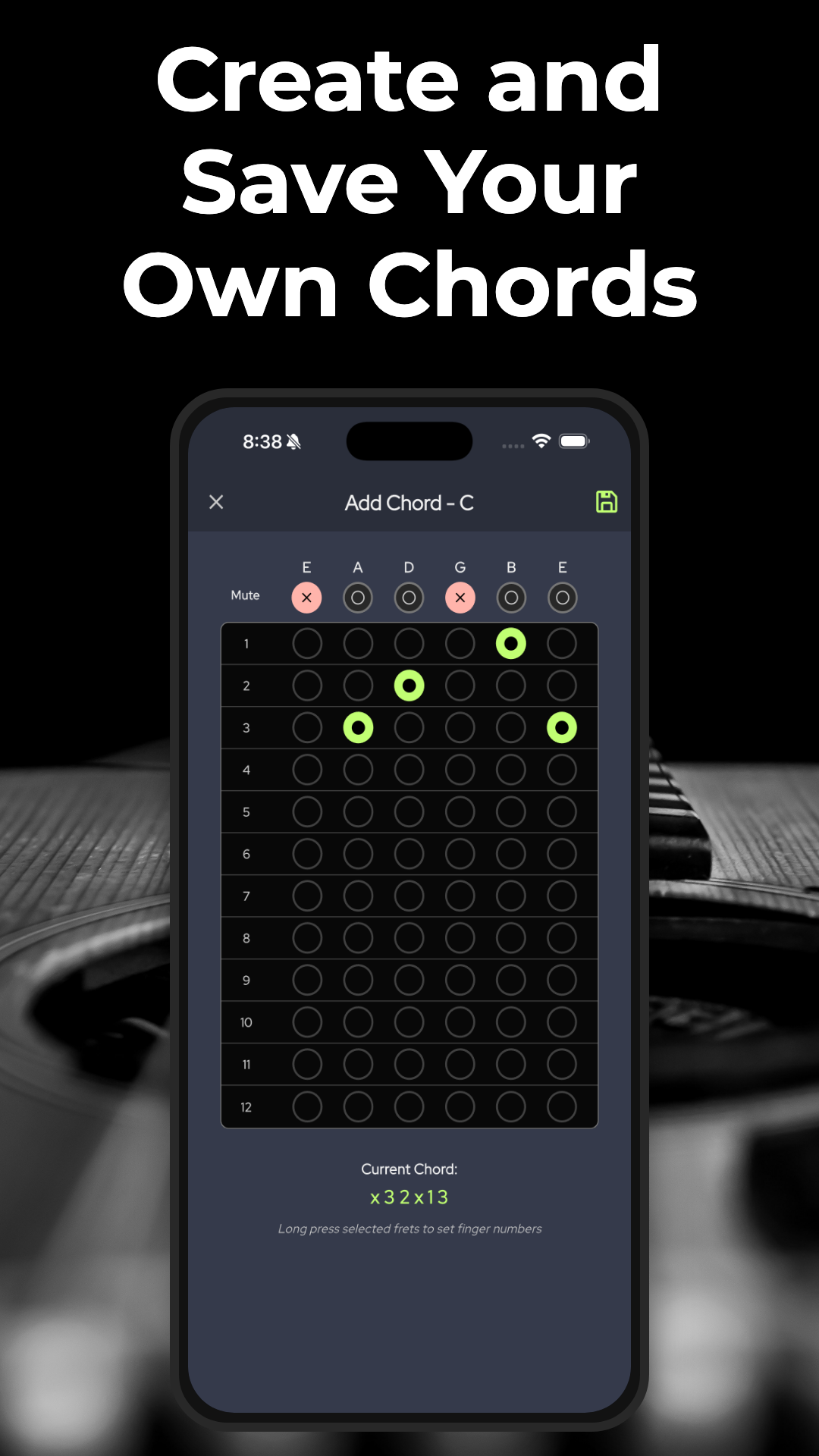
Search with autocomplete or your voice, compare voicings, slash chords, and enharmonic names, then save the fingerings you want to play.
Build a Progression
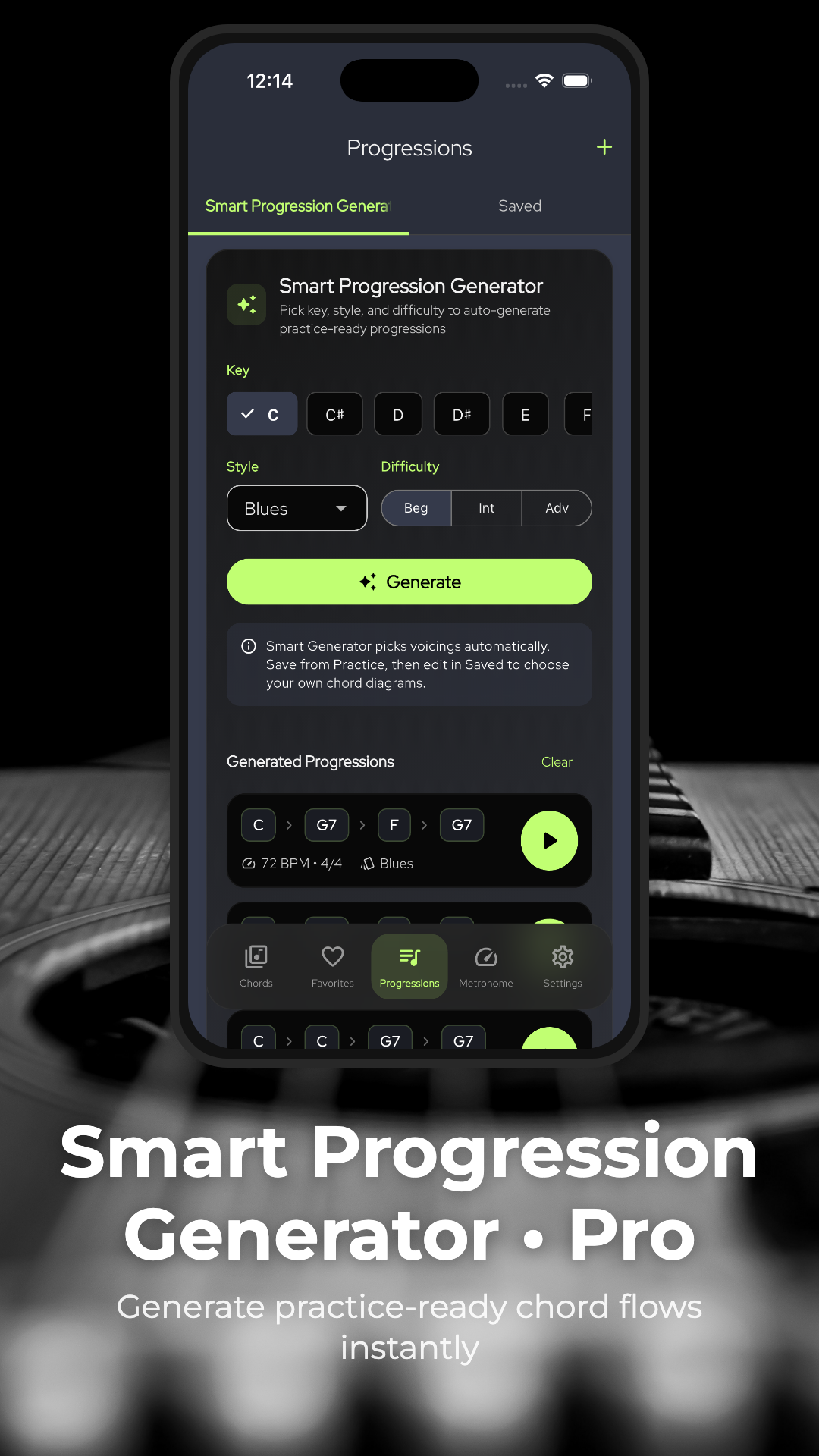
Generate ideas by key, style, and difficulty, or compose your own progression with measures, tempo, time signature, and reusable custom voicings.
Practice and Stay on Beat
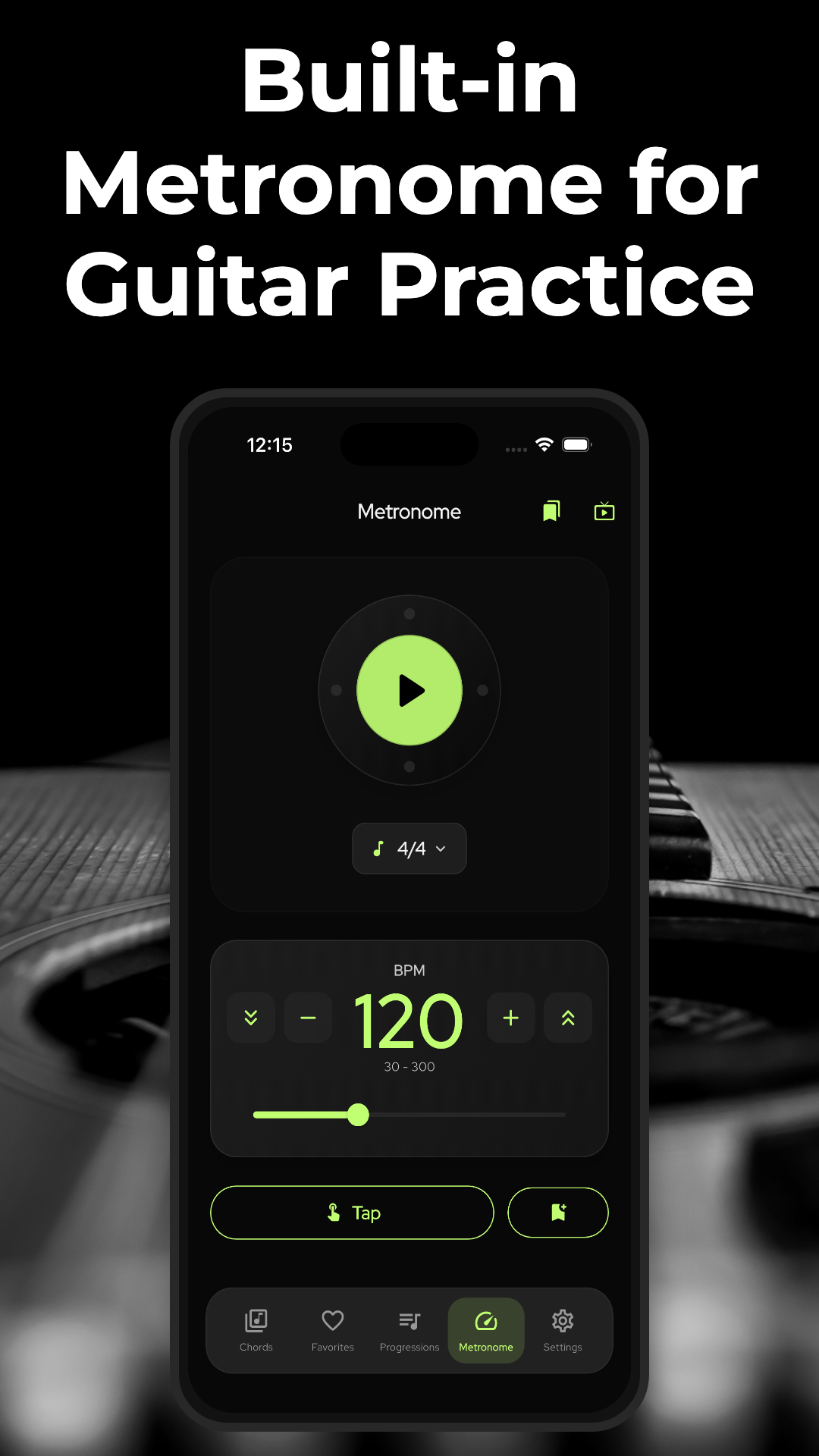
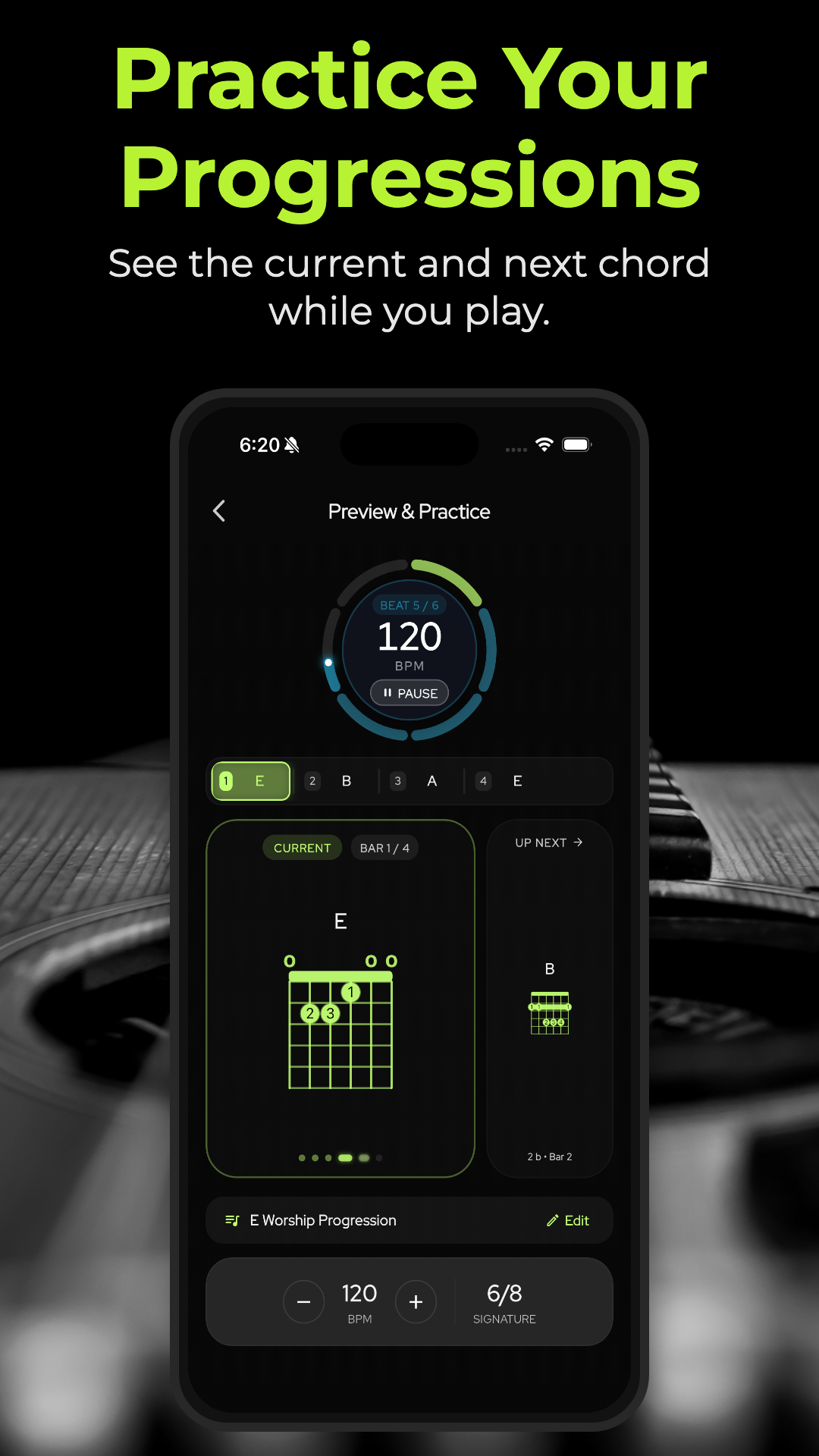
Follow the current and upcoming chord with synchronized metronome playback, configurable count-ins, and saved practice presets.
Create Guitar Videos
Turn your playing into content. Add timed chord diagrams, customize your look, and create videos ready for Shorts, Reels, and TikTok.
Product Demo
From a chord idea to a shareable performance
Explore voicings, compose a progression with timing, rehearse with a synchronized metronome, and add chord overlays to your video in Creator Studio.
FAQ
Common questions
Details you might need before downloading.
Is ChordLeadR free to download?
Yes. ChordLeadR is free to download. ChordLeadR Pro unlocks Voice Chord Search, custom voicings, and advanced Creator Studio customization.
What can I do in Creator Studio?
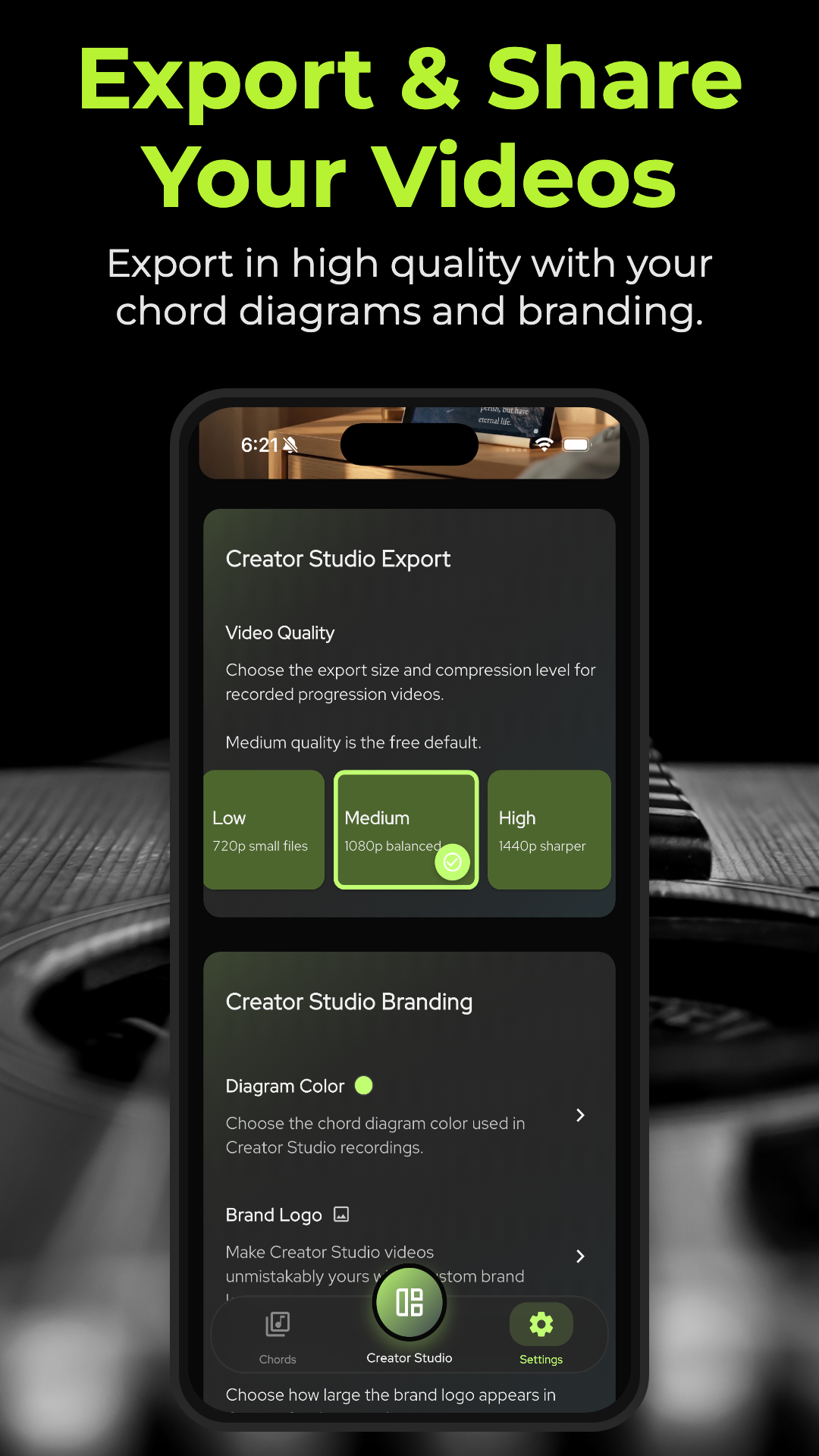
Choose a performance video, place each chord where it begins, add timed chord diagrams, customize their appearance and branding, then export the finished video.
Can I build my own progressions?
Yes. Arrange chords into measures, set tempo and time signature, preview the progression, and hand it off directly to practice mode.
Can I use Voice Chord Search?
Yes. Say a chord name to search for it quickly. Voice Chord Search is available with ChordLeadR Pro.
Find. Build. Play. Share.
Find it. Play it. Share it.
ChordLeadR takes you from the first chord to the finished video.